Document Scanner App for Android & iOS
OnlyScans is a free document scanner app that keeps your files private: scan documents, IDs, and passports to PDF on your Android phone or iPhone, run offline OCR on your device, and export searchable PDFs — no account required.
Free to use. Subscriptions or one-time purchase for premium features.
🛡️
Offline OCR
Searchable PDF
10:42
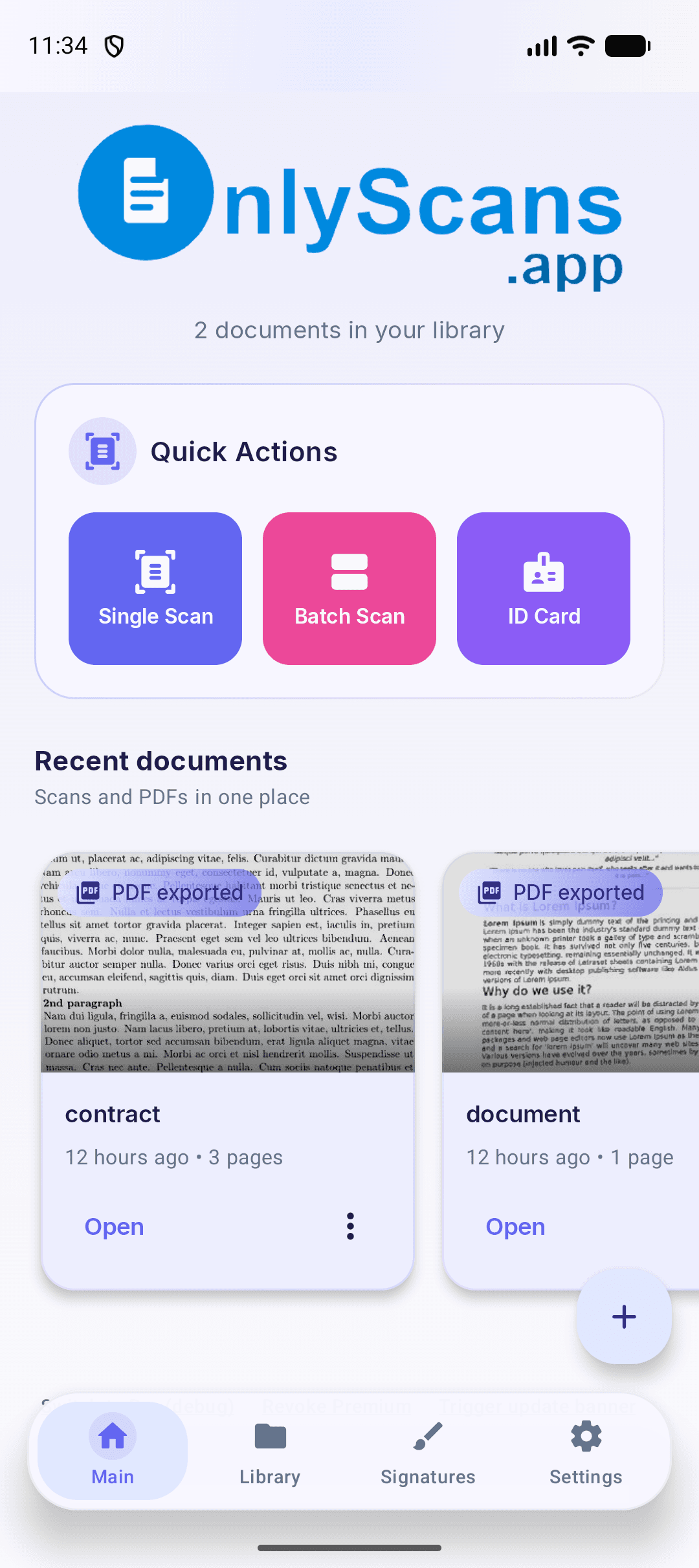
What do you need to scan?
Choose the finished file you need. Each guide covers Android and iPhone, with platform differences beside the relevant step.
Everything you need to scan documents
Powerful features that make document scanning effortless and private — offline OCR, annotations, and searchable PDF export in the OnlyScans app.
Smart Scan
Auto-detect document edges with intelligent perspective correction for perfectly aligned scans.
ID Card & Passport Scan
Scan ID cards and passports with automatic data extraction, MRZ parsing, and dual-side support.
Sign & Annotate
Add signatures, text stamps, and freehand drawings to scanned pages. Place typed text on a page and adjust its color and size. Move or resize text boxes alongside signatures and drawings.
Offline OCR in 80+ Languages
Extract text on-device in 80+ languages including Chinese, Japanese, Korean, Hindi, and Latin scripts. Offline OCR can create searchable PDF exports.
Advanced Filters
Enhanced, Grayscale, Black & White, and Whiteboard modes. Fine-tune brightness, contrast, sharpness, and more.
Folders & Organization
Organize scans into folders with custom colors and icons. Pin favorites, add labels, and search by content.
Document Security
Protect PDFs with password encryption and lock the app with biometric authentication.
PDF Import
Import existing PDF documents into your library to annotate, organize, and re-export them with ease.
Home Screen Widgets
Quick Scan and Recent Documents widgets for instant access right from your home screen.
Batch Scanning
Scan multiple pages in rapid succession. Merge, split, and reorder documents with drag-and-drop.
PDF, Word & Image Export
Keep a document as a PDF, share a JPEG, or export a PNG image. Choose the format that your recipient needs. Standard DOCX export is free. Pro adds Enhanced layout to improve the reconstruction of headings, tables, and pictures.
OnlyScans for Teams
Use OnlyScans as a document scanner for business: give teams a focused Android and iOS workflow for document capture, offline OCR, searchable PDF export, and account-free setup.
Team scanner workflow
How it works
Go from paper to high-quality PDF in three secure offline steps.
01
1. Point and Capture
Open the app and align your camera. The auto-detector instantly finds edges, corrects perspective distortion, and snaps the perfect shot.
02
2. Enhance and Annotate
Apply advanced filters to make scanned text crystal clear. Add digital signatures, annotations, stamps, or redact sensitive info entirely offline.
03
3. Export and Share
Keep a document as a PDF, share a JPEG, or export a PNG image. Choose the format that your recipient needs. Word (.docx) is for editing paragraphs and reusing text. Proofread the recognition and reconstructed layout.

See the finished file
A real OnlyScans export using a fictional ID card. Both sides fit on one PDF page. The example uses the Indonesian Android interface; it is not an official identity document.
See the finished file →Choose PDF, Word or an image
PDF
PDF keeps fixed pages for sharing. Enable searchable export with Pro when you need to find or copy recognized text.
Word (.docx)
Word (.docx) is for editing paragraphs and reusing text. Proofread the recognition and reconstructed layout.
JPEG / PNG
JPEG or PNG is a page image for attachments. It does not contain editable paragraphs or a PDF text layer.
Choose the perfect plan for you
Start with free scanning. Features differ by platform; choose monthly, yearly or lifetime Pro access in the app when you need more.
Free Tier
Useful everyday scanning, with platform-specific export options.
Free single-page scans on iPhone
On-device document processing
Crop, rotate and enhance
iPhone: PDF, JPEG & PNG, no watermarks
Android: free PDF/JPEG exports include a watermark
Standard · Free · Word (.docx) · Android / iOS
Pro
Every Pro feature, unlocked from inside the app with the plan that suits you.
All Free Tier features
Watermark-free exports on Android
OCR text extraction (80+ languages)
Searchable PDF exports (with OCR text)
Batch scanning & multi-page document creation
Sign and annotate documents
Password protect PDFs
App lock with biometric/PIN authentication
Home screen widgets
Enhanced layout · Pro · Android / iOS
B2B & Teams
Team licensing for organizations that need private document capture, offline OCR, and searchable PDF export on Android and iOS. Tell us about your team and we will get you set up.
Flexible team licensing
Account-free app setup
Local document processing workflow
Privacy you can trust
Your documents are yours alone. We built OnlyScans with privacy as the foundation.
On-Device Storage
Scanned documents, images and recognized text are stored locally. We do not upload scans to our servers. Exports, sharing and device backups follow your choices.
On-Device Text Recognition
Text recognition runs locally on Android and iPhone. Android uses ML Kit; iOS uses on-device recognition with optional language packs. Some packs need a download first.
No Accounts Required
Start scanning without an OnlyScans account. No signup is needed for document capture, editing or export.
Secure Purchases & Billing
Google Play handles Android purchases; Apple handles iOS purchases. OnlyScans does not receive your payment-card details.
Frequently asked questions
Is OnlyScans safe?
OnlyScans captures pages, enhances images and recognizes text on your device. Your documents are not uploaded to OnlyScans for processing. Exported copies go to the location or app you choose.
Does OnlyScans work offline?
Yes. Capture, filters, text recognition, and document export run on your device. Internet access can be needed to install the app, download optional OCR language or layout models, manage purchases, or share through a service you choose.
Does OnlyScans upload my documents to the cloud?
OnlyScans does not host a document cloud. Sharing, printing, a connected Files provider or an enabled automatic-save destination can send exported copies to another service. Backups follow the platform and destination: iOS private document/signature storage is excluded from automatic backup; Android backup and copies saved elsewhere depend on the relevant settings. Deleting the app’s copy does not delete copies you shared.
Is OnlyScans really a free document scanner app?
Yes. On iPhone, single-page scanning, filters, folders and PDF, JPEG or PNG export are free without watermarks. Android has its own free tier, including PDF/JPEG exports with a watermark and Standard Word (.docx) export. Pro adds features such as batch scanning, OCR and signing; check the relevant app for details.
Is OnlyScans available for iPhone (iOS)?
Yes. OnlyScans for iPhone includes free single-page scanning and PDF, JPEG or PNG exports without watermarks. OCR, batch scanning, signing and other advanced tools are available with Pro.
Why choose OnlyScans for offline scanning?
OnlyScans combines on-device processing, no account requirement and practical document tools. On iPhone, you can start with free single-page scans and exports without watermarks, then choose monthly, yearly or lifetime Pro access.
Can I use OnlyScans as a document scanner for business teams?
Team licensing for organizations that need private document capture, offline OCR, and searchable PDF export on Android and iOS. Tell us about your team and we will get you set up.
Turn paper into searchable PDFs on your phone
Install the OnlyScans app from Google Play or the App Store to capture documents, run offline OCR, and create searchable PDF files on Android and iOS.